Redeem code in Glimmo
How do I redeem my Glimmo promo code? 🤔 Just follow the steps below:
- Download Glimmo App from App Store
-
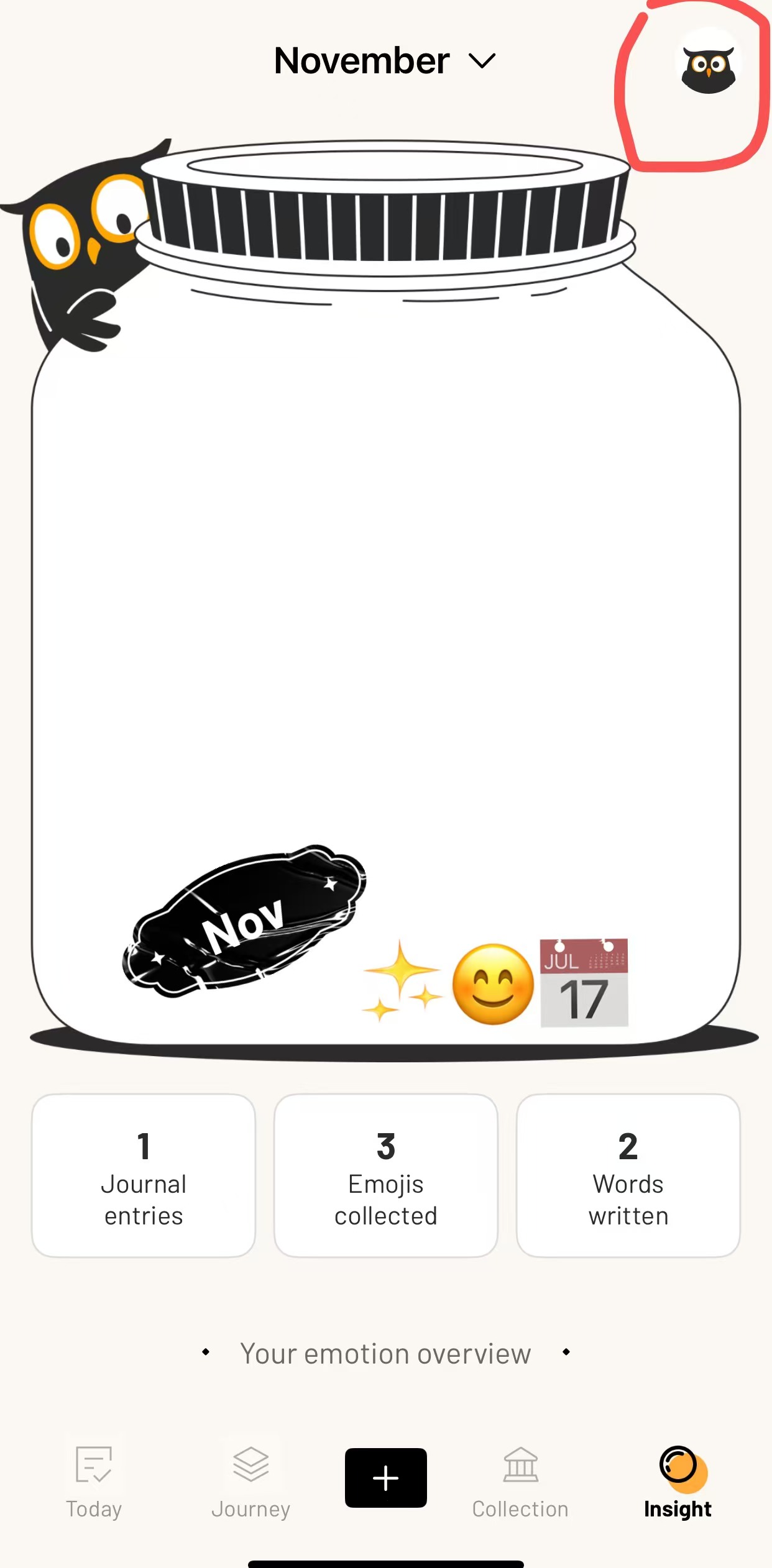
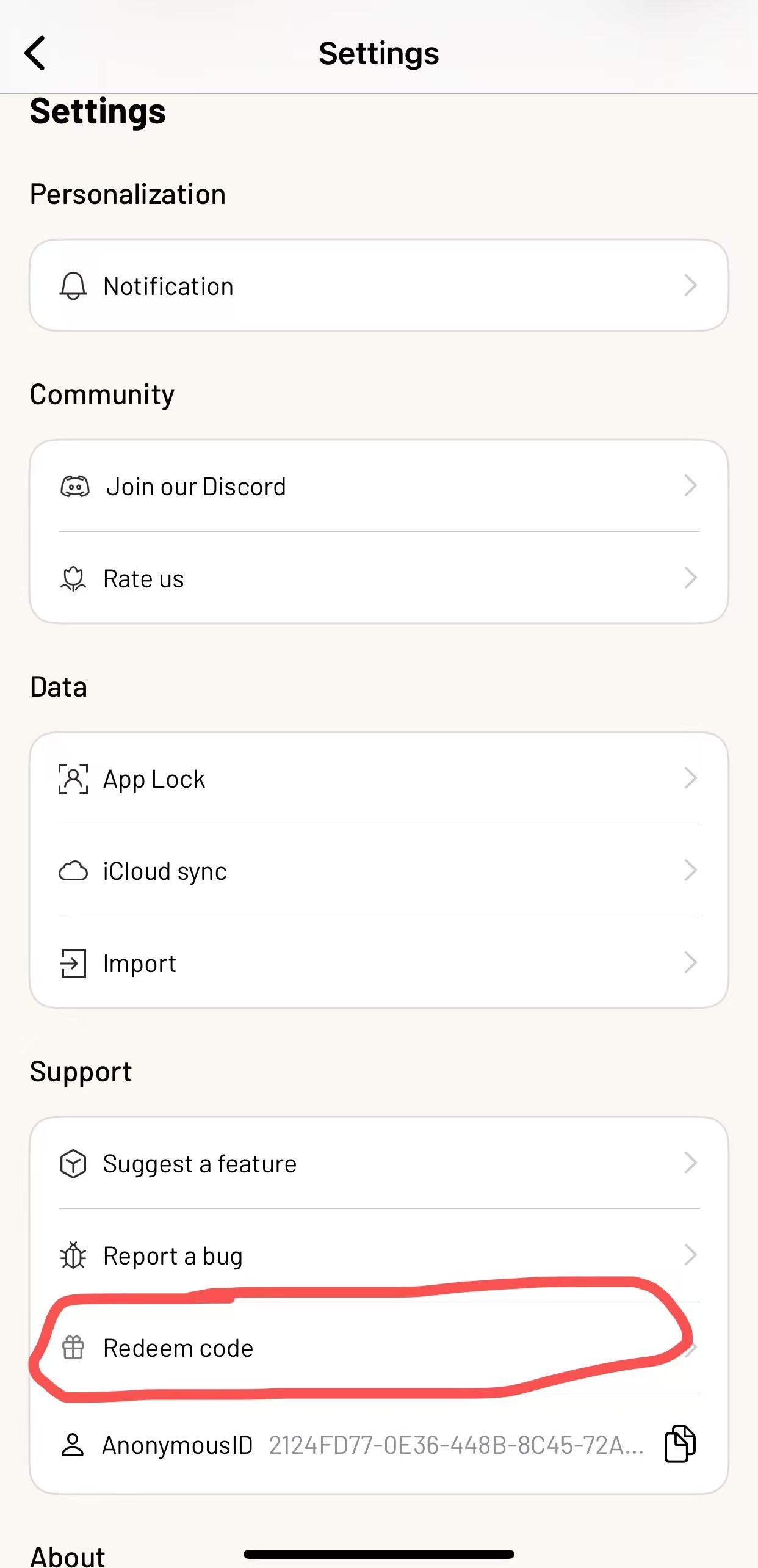
Head to the app homepage, tap the icon at the top right, and go to Settings. Find the "Redeem Code" section.
-
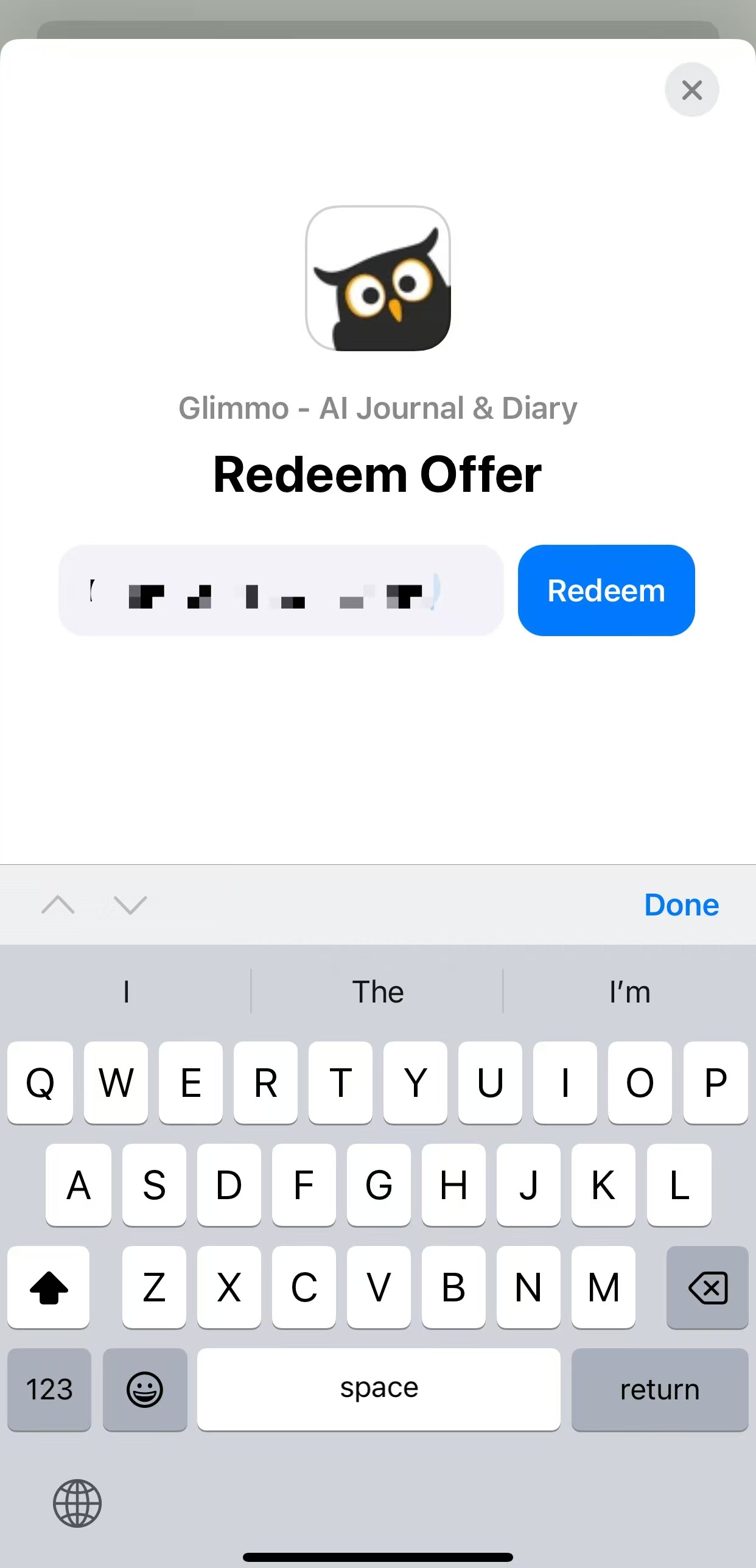
Enter your promo code in the box.
-
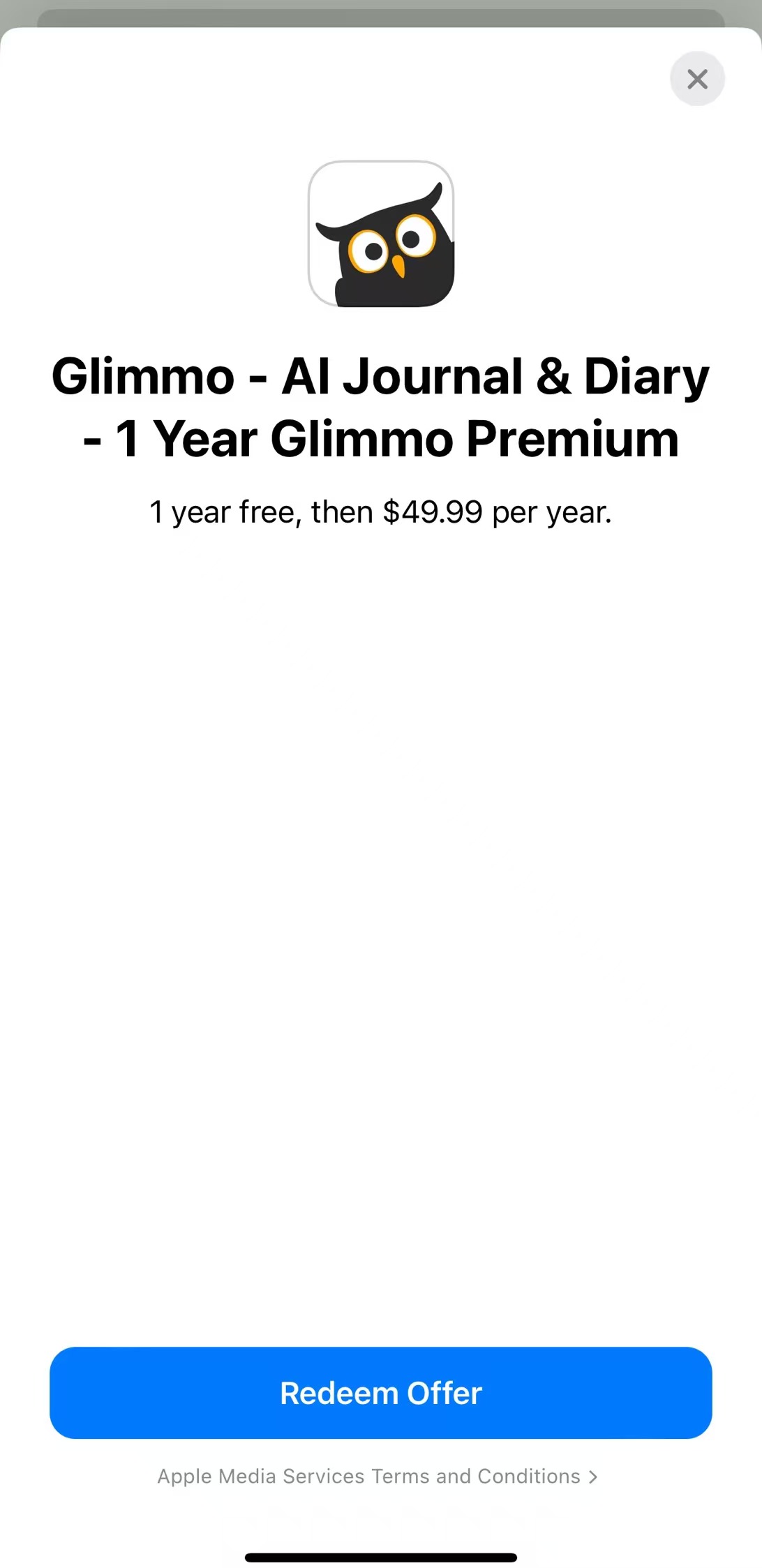
Hit "Redeem" and redeem the offer!
-
Enjoy your experience in Glimmo!
Quick note:
Since we're using Apple's official promo codes, it's gotta be tied to a subscription product. Don't worry, you won't be charged until the free period ends.
If you don't want to subscribe to Glimmo Premium after the offer, don't forget to cancel your subscription.